
Quick Answer
To install a car mod in FR Legends, download the mod file, open your FR Legends APK in APK Editor, replace the original car files with the mod files using Simple Edit, save the APK, uninstall the old game, and install the new APK. Then open the garage and look for the car in the slot the mod replaced.
If the car does not show up, you probably replaced the wrong car or used a mod made for a different game version. Match the mod to your game version and double-check the file names before you try again.
Two Ways to Install a Car Mod
There are two main ways to get a custom car into FR Legends. Both work. Pick the one that matches your comfort level.
APK Editor method (recommended)
You edit the game file directly and swap the original car files for the mod files. It takes more steps, but it works with most car mods and gives you full control. This guide covers this method in detail.
Pre-modded APK method (easier)
You download an FR Legends APK that already has the car built in, then install it like a normal app. It is faster, but you cannot pick which cars are included, and you must trust whoever built the file.
Before You Start: What You Need
Get these four things ready before you touch any files. Missing even one of them is the most common reason installs fail.
- The FR Legends APK file installed on your phone. If you do not have the game yet, download and install it first.
- The car mod file, usually a ZIP or RAR. It should come with a small text note that says which car it replaces.
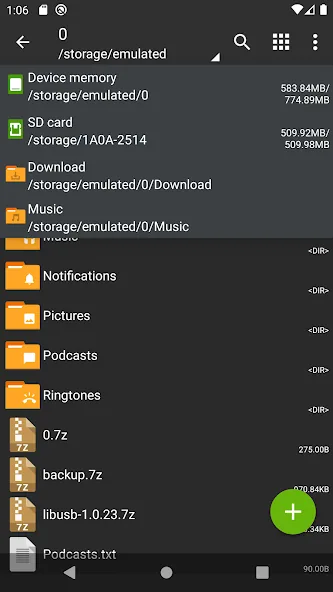
- ZArchiver (free on the Play Store) to open the mod ZIP and move files around.
- APK Editor to open the FR Legends APK and swap the car files inside it.
Back up first: copy your FR Legends save data or note your progress before you start. If something goes wrong you can reinstall the clean game and keep playing.
How to Pick a Mod File That Actually Works
Your tools are ready. Now pick the actual mod file, because not every one is worth your time. A little checking up front saves you from most failed installs.
- Match your game version. A mod made for an old version often breaks on a new one. The download page should say which version it needs.
- Check which car it replaces. Good mods always say this. If the page does not say, skip it.
- Look at the comments. If other players say it works, that is a good sign. If the comments are full of crash reports, stay away.
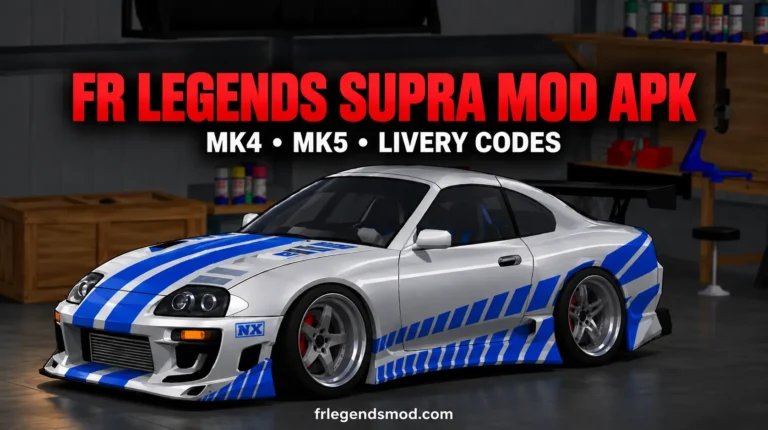
- Start with a popular car. The Supra mod is one of the most downloaded custom cars, and it is a good first example of how a clean mod package looks.
Install a Car Mod, Step by Step
Follow these steps in order. Do not skip ahead, because each step depends on the one before it.
Install ZArchiver and APK Editor
Install both apps from the Play Store. Open each one once so they can ask for storage permission. Without that permission, neither app can see your files.
Download the car mod file
Download the mod ZIP you picked to your phone. If it asks for a password, the password is usually written on the same page as the download button. Open the ZIP in ZArchiver and look inside.
Read the mod note
Open the text file inside the mod folder. It tells you which original car this mod replaces, for example the S13 or the AE86. Write that name down. You will need it in Step 6.
Find your FR Legends APK
In ZArchiver, go to your Download folder and find the FR Legends APK file. If you only have the game installed and no APK file, back up the installed app to an APK first with a free APK backup app from the Play Store.
Open the APK in APK Editor
Open APK Editor, choose the FR Legends APK, and pick Simple Edit (File Replacement). This shows you the folders inside the game, where the car files live.
Replace the car files
Inside the APK, open assets > bin > Data. This is the folder where the car files live in most FR Legends versions. Find the files for the original car from Step 3. Replace each one with the matching file from the mod folder. Match the file names exactly.
Save the new APK
Tap Save in APK Editor and wait. Do not close the app while it builds. When it finishes, you will have a new APK file with the modded car inside.
Uninstall, then install the new APK
Uninstall the old FR Legends from your phone, then install the new APK you just built. Your phone may warn you about installing unknown apps. Allow it once for this install.
Open the garage and check
Open FR Legends and go to the garage. Look at the car slot the mod replaced. The new car should be sitting there, ready to drive.
Where to Find Your Car After Installing
A car mod does not add a new slot. It changes how an existing car looks and drives. So after installing, open the garage and scroll to the car the mod replaced. Our complete car list shows every base car and the garage slot it uses, which makes the right slot easy to spot.
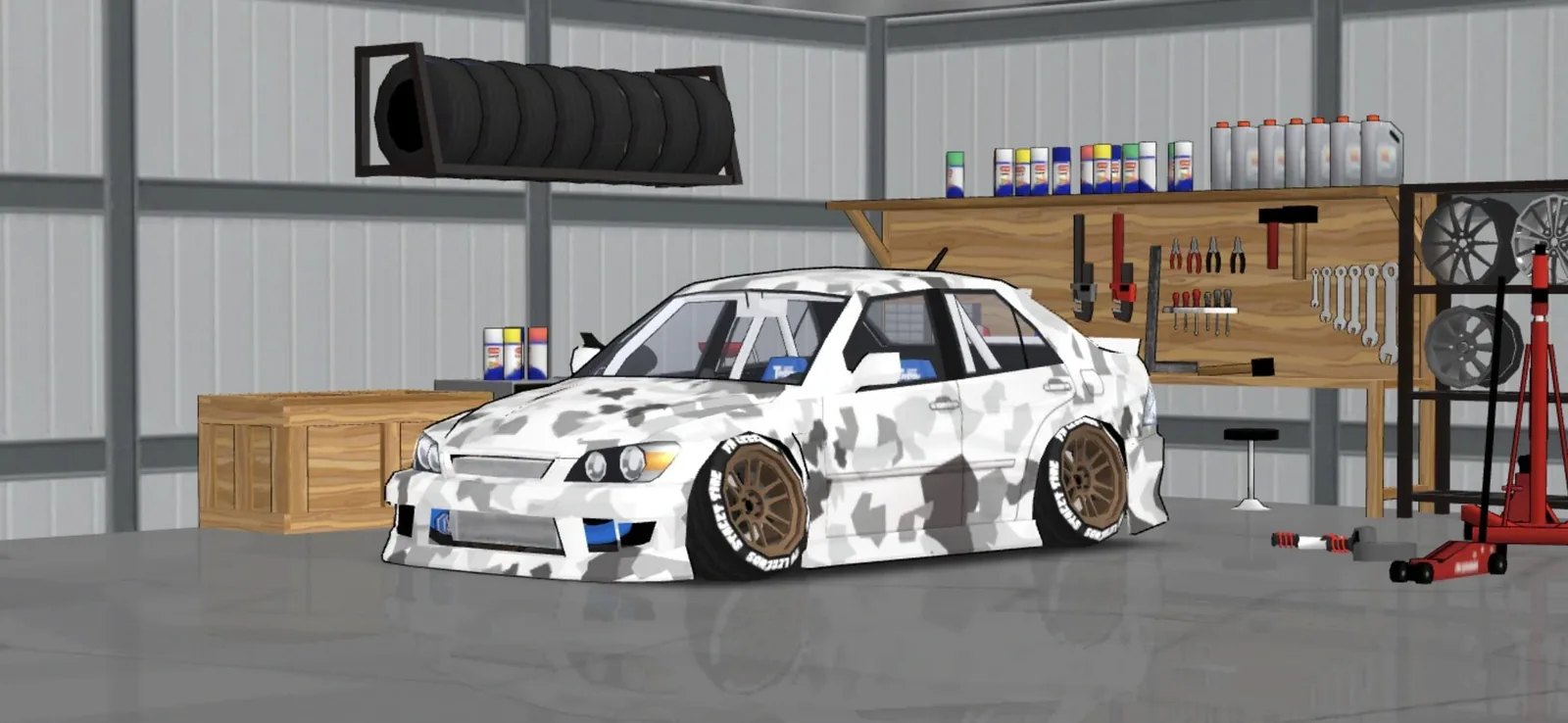
Open the car, check the paint and wheels, and look over the body kit. A broken mod often shows missing parts here, and it is better to spot that now than mid-drift.
If everything looks right, start the engine and listen. New sounds, such as a different exhaust note, confirm the mod loaded fully.
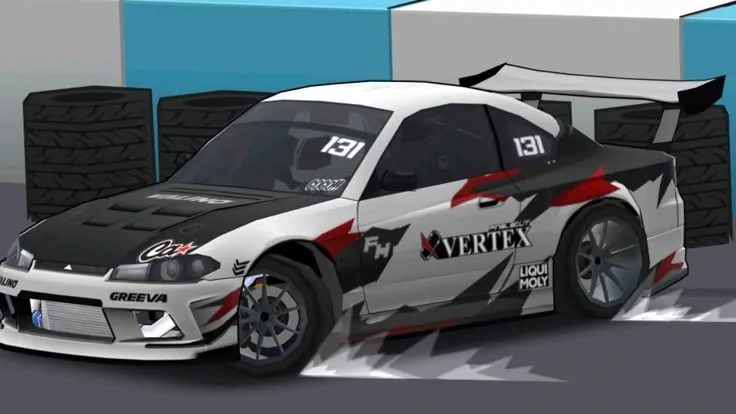
Then take it for a shakedown run on any FR Legends track to make sure it drives the way you expected.
Fix: The Mod Does Not Appear
You replaced the wrong car
Cause: the mod note said S15, but you replaced the S13 files. The mod is in the game, just not where you are looking.
Fix: re-read the mod note and redo Step 6 with the correct car.
Wrong game version
Cause: the mod was built for a different FR Legends version, so the file layout does not match.
Fix: download a mod made for your version, or update the game and try again.
Files did not save
Cause: APK Editor was closed before the build finished, or storage permission was missing.
Fix: give both apps storage permission, rebuild the APK, and wait until the save is fully done.
Fix: “App Not Installed” Error
This error almost always means one thing: the old FR Legends is still on your phone. Android will not install the modded APK over the original app because the signatures do not match.
Fix: uninstall FR Legends completely, then install the modded APK. If it still fails, restart your phone and try once more. Make sure you have enough free storage, because a full phone can also block the install.
Fix: Game Crashes After Install
Crash on startup
Cause: a broken or half-copied file inside the APK, or a version mismatch.
Fix: rebuild the APK from a clean copy of the game and copy the mod files again, carefully.
Crash when opening the garage
Cause: the modded car file is corrupt or incomplete.
Fix: re-download the mod ZIP. If it still crashes, the mod itself is broken, so try a different one. If FR Legends still crashes or will not open after that, follow our FR Legends not opening or crashing fix.
How to Remove a Car Mod
To go back to the original car, uninstall the modded game and reinstall a clean FR Legends APK. There is no in-game button that removes a single mod, because the mod is baked into the game file. This is why the backup from the start matters.
Is Installing Car Mods Safe?
Swapping car files is safe for your phone when you use well-known tools like ZArchiver and APK Editor and mods from trusted pages. The main risks are losing your save data (back it up first) and downloading a fake “mod” that is actually junk. Mods can break after a game update, so keep a copy of the clean APK too.
Only download mod files from pages with real comments and clear version notes. Never run a “mod installer” app that asks for permissions it does not need, and never type your Google or game account password into a mod tool. FR Legends mods are just files. They never need your login.
FAQs
Do I need root to install FR Legends car mods?
No. The APK Editor method works on non-rooted phones. You only need storage permission for the apps involved.
Will I get banned for using car mods?
Car mods change files on your own phone. There is no official word of bans for offline cosmetic mods, but mods can cause problems in online play, so it is safer to keep modded installs for solo drifting.
Can I install more than one car mod at a time?
Yes, as long as each mod replaces a different car. Replace all the files in one APK Editor session, then build once.
Why does the modded car look wrong or have missing parts?
The mod file is probably incomplete or made for a different game version. Re-download it from the source page, and check the version notes before installing.
Do car mods work on iPhone?
No. This method is Android-only because it edits the APK file. iPhone apps cannot be edited this way.
Will updating FR Legends remove my mods?
Yes. An update replaces the modded files with fresh ones. After updating, you need to redo the install with mod files that match the new version.
Conclusion
Installing a car mod takes some patience the first time, but the steps feel simple once you have done it once: pick a mod made for your game version, swap the files with APK Editor, and test the car in the garage. If the car looks plain after the install, a fresh livery code changes its paint in seconds. Keep a backup of your original files, and enjoy the new ride.