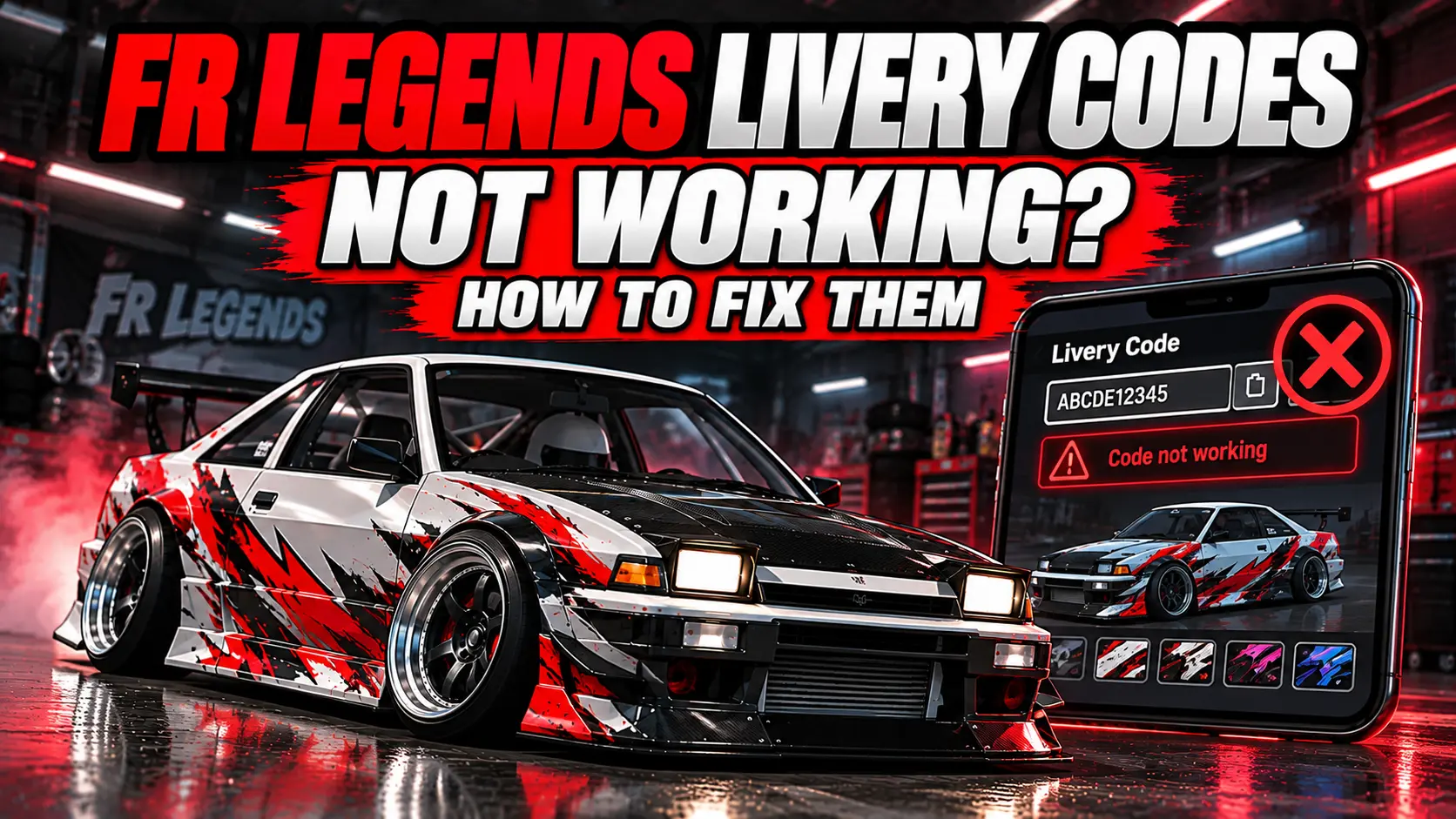
If your FR Legends livery code is not working, you do not always need a new code or a fresh game installation. The problem can be as simple as using the wrong code section, copying an incomplete code, running out of livery layers, or using a livery made for another car.
In this guide, you will find the main FR Legends livery problems one by one. Each problem is explained in simple words, followed by the exact thing you can check or change. You can find the problem that matches what you see on your car and fix it without searching through another guide.
Check that you are using the correct Body or Window code, copied the complete code, selected the correct car, have enough livery layers, and completed the import process.
What Is an FR Legends Livery Code?
An FR Legends livery code contains the information needed to recreate a custom car design in the livery editor. Instead of creating every sticker, shape, and design yourself, you can use a code to add the design to your car.
There are two important types of codes you may see.
- Body code: This is used for the main design on the car body.
- Window code: This is used for designs placed on the windows or glass.
They are separate. A Body code belongs in the Body section, while a Window code belongs in the Window section.
Some liveries only have a Body code. If there is no Window code, there may simply be no separate window design included.
Why Will My FR Legends Livery Code Not Paste?
You open the import box, but the code does not appear after you try to paste it.
Fix: Tap inside the code box first, then use your phone’s normal Paste option.
If you copied the code from a website, copy it again and make sure the complete code is selected.
- Copy the complete livery code.
- Open FR Legends.
- Open the livery editor.
- Open the Import option.
- Tap inside the code box.
- Use your phone’s Paste option.
- Check that the code appears in the box.
- Continue with the import.
If nothing appears after pasting, close the livery editor and open it again. Then copy the code again and try once more.
Why Does My Livery Code Do Nothing After I Paste It?
The code appears in the import box, but importing it does not create the livery you expected.
Fix: Check the code type first.
If it is a Body code, use it in the Body section. If it is a Window code, use it in the Window section.
Next, check that you copied the entire code. Long codes are easy to copy incorrectly. If part of the code is missing, the game may not be able to create the complete design.
After importing the code, make sure you complete the game’s import and apply process. Do not close the editor immediately after pasting the code.
Why Does the Livery Import but Nothing Appear on My Car?
The code seems to import, but your car still looks the same.
Fix: Make sure the imported design has actually been added to your current livery.
Importing the code and applying the design are two different parts of the process. After the code is imported, complete the option that adds the imported layers to your livery and then apply or save the changes.
Then return to the car and check the design.
If the car is still unchanged, leave the livery editor, open it again, and repeat the import. Also check that you are editing the correct car.
Why Does Only Part of My FR Legends Livery Appear?
Some stickers or graphics appear, but other parts of the livery are missing.
Fix: Check your available livery layers first.
A detailed livery can contain many separate layers. If there is not enough available space for all of the design, the complete livery may not appear.
If you have enough layers, check the code again.
Copy the complete original code and import it again. Pay close attention to the beginning and end of a long code because missing part of the code can result in an incomplete design.
If the same problem happens with only one livery while another livery works correctly, the problem may be with that particular code.
Why Does My Body Livery Work but the Windows Are Missing?
The main car design appears, but the window stickers or window design does not appear.
Fix: Check whether the livery has a separate Window code.
The Body code only handles the body portion of the design. A Window code is needed for a separate window design.
If you received two codes, use them in their matching sections.
If the livery only provides a Body code, there may be no separate window design to import.
Why Is My FR Legends Window Code Not Working?
You have a Window code, but the window design does not appear.
Fix: Make sure you are using the Window section rather than the Body section.
Then check your available layers and make sure the complete Window code was copied.
- Copy the complete Window code.
- Open the Window livery section.
- Open Import.
- Paste the code.
- Confirm the import.
- Add the imported design to the livery.
- Apply the changes.
If the Body code works but the Window code does not, test the Window code by itself. This makes it easier to find out whether the problem is with the Window code or the rest of the livery.
Is the Livery Code Made for the Same Car?
A livery code is designed around the shape of a particular car. The position of a sticker or graphic can change when the same design is used on another car.
For example, a logo that fits correctly on one door may appear in a different position when the livery is used on another car.
Fix: Check which car the livery was created for and select that car before importing the code.
If you are not sure which car you need, check the FR Legends car list.
You should also check whether the original design uses a particular base color or paint setup. A change in the base setup can make the finished livery look different even when the imported design is correct.
Why Did My Livery Code Work Before but Not Work Now?
You used the same code before, but it no longer works correctly.
Fix: Test the code again without changing several things at once.
- Close FR Legends completely.
- Open the game again.
- Select the same car.
- Open the livery editor.
- Copy the original code again.
- Use the correct Body or Window section.
- Import the code.
- Apply the imported design.
If it still does not work, try another livery code that you know works.
If the other code works, the original code may be the problem. If several different codes fail, check the game, the livery editor, your available layers, and the way the code is being pasted.
Why Does the Livery Code Work for Someone Else but Not Me?
You copied a livery that works for another player, but it does not look right or does not work on your car.
Fix: Compare the important parts of your setup.
- Make sure you are using the same car.
- Make sure you copied the complete code.
- Use the Body code in the Body section.
- Use the Window code in the Window section.
- Check that you have enough available layers.
- Make sure you completed the import and apply process.
If the livery is part of a car mod, also make sure the required car is installed correctly before trying to use its design.
If the required car itself is not appearing correctly, you can check the FR Legends car mod installation information.
Why Is My FR Legends Livery Code So Long?
You paste a long code, but it gets cut off or only part of the livery appears.
Fix: Copy the complete code again and check the text before importing it.
Do not type a long livery code manually. One missing character can change the code.
- Go back to the original livery code.
- Copy the complete code.
- Open the correct livery section.
- Paste the code into the import box.
- Check that the code appears correctly.
- Import it and apply the design.
If the same long code continues to fail, try another code. This helps you determine whether the problem is caused by that particular code.
Why Is My FR Legends Livery Import Stuck?
You paste the code, but the import appears to stop responding.
Fix: Restart the livery editor before making bigger changes.
- Close the livery editor.
- Leave the car customization screen.
- Open the customization screen again.
- Open the livery editor.
- Copy the code again.
- Paste it into the correct section.
- Complete the import and apply process.
Do not delete the game or your save data just because one livery code is not importing. Test another code first and find out whether the problem is limited to one livery.
How Can I Tell If the Code or the Game Is the Problem?
If you cannot find the cause, use one simple test.
Take a livery code that you know works and import it into the correct car.
Fix: Use the second code as a test instead of changing several settings at the same time.
If the second code works, your livery editor can import codes and the original code needs closer checking.
If the second code also fails, the problem may be with your game, livery editor, available layers, selected car, or the way the code is being pasted.
FR Legends Livery Code Troubleshooting
| Problem | Quick solution |
|---|---|
| The code will not paste | Tap inside the box and use your phone’s Paste option. |
| The code does nothing | Check the code type and make sure the complete code was copied. |
| The livery imports but does not appear | Complete the import and apply process. |
| Only part of the livery appears | Check your available layers and copy the complete code again. |
| The Body works but the Window does not | Import the Window code separately in the Window section. |
| The livery looks different | Check that you are using the car the livery was made for. |
| The code worked before | Restart the editor and test another working code. |
| A long code fails | Copy the complete code again and check it before importing. |
| The import is stuck | Close and reopen the livery editor. |
Frequently Asked Questions
Why is my FR Legends livery code not working?
Check the code type, complete code, selected car, available livery layers, and import process. Start with these before making bigger changes.
Can I use a Body code as a Window code?
No. A Body code is for the main car body and a Window code is for the windows or glass. Use each code in its matching section.
Why does my livery only show some of the design?
Check your available livery layers first. Then make sure the complete code was copied. A missing part of a long code can also result in an incomplete design.
Why does my livery look different from the picture?
Check the car first. A livery made for one car may not line up correctly on another car because the body shape and design areas are different.
Why does the Body code work but the Window code does not?
Make sure the Window code is being imported in the Window section. Also check that you actually received a Window code and have enough available layers for it.
Why does my livery code work for another person but not me?
Check that you are using the same car, the complete code, the correct Body or Window section, and enough available layers. Also make sure the imported design was applied after importing it.
Should I reinstall FR Legends if one livery code does not work?
No. Test another known working livery code first. If another code works, the problem may be limited to the original code. Reinstalling the game should not be the first step.
What should I do if my livery code suddenly stops working?
Restart the game, open the livery editor again, copy the original code again, and test it. If it still fails, try another working code to see whether the problem is limited to that livery.
Do all FR Legends liveries have a Window code?
No. Some liveries only include a Body code. A separate Window code is only needed when the livery includes a window design.
Conclusion
When an FR Legends livery code does not work, do not immediately assume that the game is broken.
First check the code type, then make sure the complete code was copied. Check that you are using the correct car and that you have enough available layers. If the code imports, make sure you complete the process and apply the imported design.
If you still cannot find the problem, test another livery code that you know works. That simple test can tell you whether the problem is with the original code or with your game.