
FR Legends for PC: How to Play on Windows, With or Without the Mod
Two honest ways to drift on a big screen: the official route through Google Play Games, or an emulator where the Mod APK works too.
Yes, FR Legends runs on a Windows PC, but there is no official PC download from the developer. You have two real options. Google Play Games on PC installs the official game the clean and simple way. An Android emulator such as BlueStacks builds a phone inside your PC, and that is the route where the FR Legends Mod APK works too. Both options are free, and this guide covers the steps for each one, the specs your PC needs, and the fixes for the problems players usually hit.
Table of Contents
- Is There an Official FR Legends PC Version?
- What Are the Two Ways to Play FR Legends on PC?
- How Do You Play FR Legends on PC with Google Play Games?
- How Do You Install the FR Legends Mod APK on PC with an Emulator?
- What PC Specs Do You Need for Smooth Drifting?
- How Do the Controls Work on PC?
- What Can Go Wrong on PC, and How Do You Fix It?
- Can You Move Your Phone Progress to Your PC?
- Frequently Asked Questions
- Conclusion
Is There an Official FR Legends PC Version?
No. Twin Turbo Tech makes FR Legends for phones and tablets only, and there is no Windows edition to download. If the Play Store page shows the game as available on Windows, that is because of Google Play Games on PC, which is explained below. It is the same Android game delivered through Google’s PC app, not a separate PC version.
The game is free on iPhone and iPad through the App Store, covered in our FR Legends for iOS guide.
This matters because plenty of sites offer an “FR Legends PC download” as a single setup file. At best, that file is an emulator with the game bundled in. At worst, it is something you do not want on your computer. The two methods in this guide use only official sources, so you always know what you installed.
What Are the Two Ways to Play FR Legends on PC?
Both methods put the same game on your screen. They differ in what else they allow.
| Method | What you get | Mod APK | Setup |
|---|---|---|---|
| Google Play Games on PC | The official game from Google | No | Easiest, one install |
| Android emulator (BlueStacks, MEmu) | A full Android phone inside your PC | Yes, installs like on a phone | A few more steps, more control |
If you just want to drift on a bigger screen, take the first method. If you want the mod, keyboard mapping, and settings to play with, take the second.
How Do You Play FR Legends on PC with Google Play Games?
Google Play Games is Google’s own app for playing Android games on Windows. The setup is short:
Download Google Play Games on PC from Google’s website and install it.
Open it and sign in with your Google account.
Search for FR Legends and click Install.
Launch the game from your library and play.
Because this is the official store route, you get the standard game with normal progression. There is no way to load a modded file into it, and that is the tradeoff for how simple it is. Availability also depends on your country, since Google Play Games is still rolling out region by region. If it is not offered where you live, the emulator method below works everywhere.
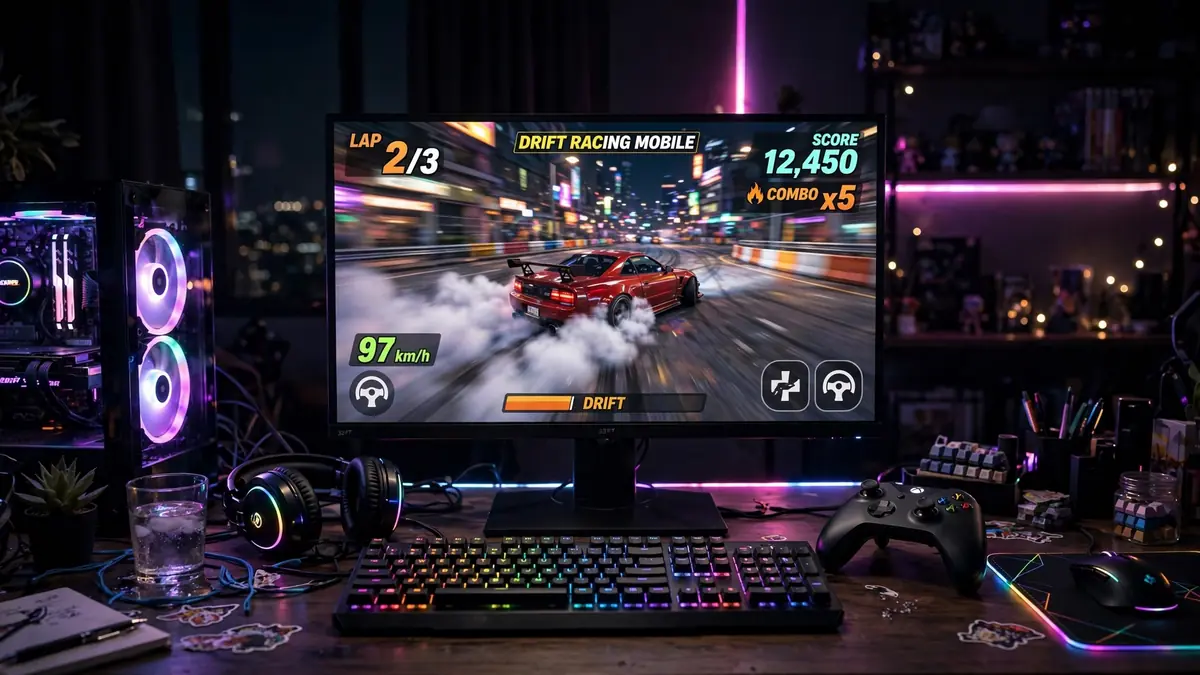
How Do You Install the FR Legends Mod APK on PC with an Emulator?
An emulator is a program that runs Android on your computer, so anything that works on a phone works inside it. BlueStacks and MEmu are the two most used for this game.
Download BlueStacks (or MEmu) from its official website and install it.
Open the emulator and sign in with your Google account, just like setting up a new phone. This unlocks the Play Store inside the emulator.
For the normal game, open the Play Store, search FR Legends, and install it.
For the mod, get the file from our FR Legends Mod APK download page, then use the emulator’s Install APK option, or drag the file onto the emulator window. It installs in seconds.
Open the game from the emulator’s home screen and play.
From that point on, treat the emulator like a phone. Updates, settings, and save files all live inside it.
What PC Specs Do You Need for Smooth Drifting?
FR Legends is a light game. The emulator needs more power than the game does, so these are the numbers that matter.
| Part | Minimum | Comfortable |
|---|---|---|
| System | Windows 7 or later | Windows 10 or 11 |
| RAM | 4 GB | 8 GB or more |
| Storage | 10 GB free | 10 GB free on an SSD |
| Processor | Intel or AMD | A recent 4 core processor |
| Graphics | Up-to-date drivers | A dedicated graphics card helps |
One setting makes a bigger difference than any part on this list. Turn on virtualization (called VT-x on Intel and SVM or AMD-V on AMD) in your PC’s BIOS settings. Emulators run far smoother with it on, and most stutter complaints trace back to it being off. If your PC is strong, also give the emulator more CPU cores and memory in its own settings.
How Do the Controls Work on PC?
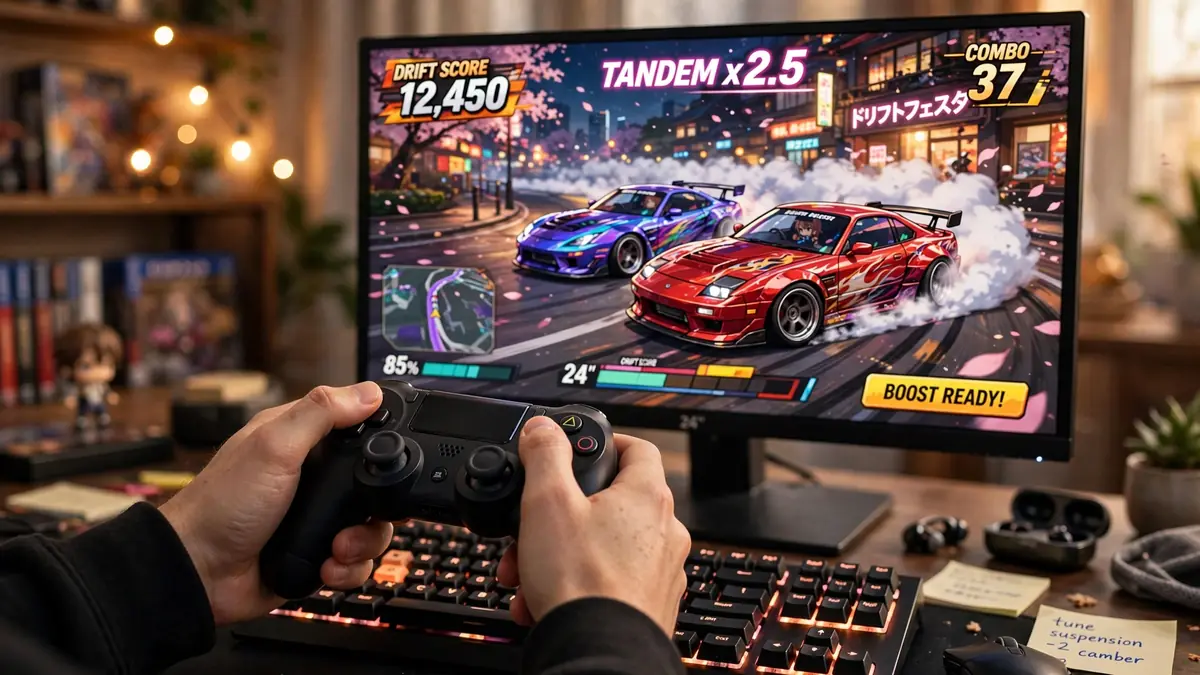
The game’s touch buttons become keys. Emulators map them for you with a keymapping tool, so steering, throttle, brake, and the handbrake each get a key you choose, and you can change them any time.
A gamepad works too, and for most players it feels better than keys, because the stick gives you smooth steering instead of full left or full right taps. One phone habit does not carry over: tilt steering has no PC equivalent, so set the game to button or slider steering in its settings before your first run.
What Can Go Wrong on PC, and How Do You Fix It?
The Emulator Feels Slow or the Game Stutters
Turn on virtualization in the BIOS first, as explained above. Then switch the emulator to its performance mode, give it more CPU cores and memory in settings, and update your graphics drivers. Closing other heavy programs while you play also helps on smaller PCs.
The Game Will Not Install Inside the Emulator
Check that you have at least 10 GB of free disk space. If the Play Store install keeps failing, clear the Play Store app’s cache inside the emulator and try again, or install the game from its APK file with the Install APK option instead. If an older copy of the game is already installed, remove it first, because a different file version cannot install over it.
Google Play Games Does Not Offer the Game in Your Country
Google Play Games is not available everywhere yet, and its game list differs by region. Nothing is wrong with your PC. Use the emulator method instead, since it does not depend on your country.
The Game Crashes Right After Opening
Restart the emulator before anything else, then check for a game update inside it. If the crashing continues, the checks in our guide to fixes for FR Legends crashing apply inside an emulator in exactly the same way.
Can You Move Your Phone Progress to Your PC?
Not automatically. FR Legends keeps your progress on the device it was played on, and there is no account system that carries your garage from your phone to your PC. The Google Play Games route also starts you fresh.
If your progress matters to you, your save files can be backed up and moved manually, the same way players move them between two phones. Our guide to backing up and transferring FR Legends save data walks through where the files live and how the transfer works.
Frequently Asked Questions
What version is FR Legends now?
FR Legends gets regular updates, so the version number changes often. On PC you are playing the Android build, so check the version in Google Play Games or in the emulator’s Play Store listing. The number always matches the current Android release, because there is no separate PC edition.
Can I play FR Legends on a Mac?
Yes. BlueStacks also runs on macOS 11 or later, including Macs with Apple Silicon, and the install steps are the same as on Windows. There is no native Mac version of the game itself.
Does a steering wheel work with FR Legends on PC?
There is no built-in steering wheel support in the game. Some players map wheel buttons through the emulator’s keymapping tool, but a gamepad is the setup most players are happy with, because it gives smooth steering with no tinkering.
Is it allowed to play FR Legends in an emulator?
Emulators are legal software, and installing the free official game inside one is fine. A modded build goes against the game’s terms in the same way it does on a phone, so online play with a mod carries the same account risk wherever you play it.
What can I play FR Legends on?
The official game is made for Android phones and tablets, and for iPhone and iPad. On a Windows PC you play that same Android game through Google Play Games or an emulator. There is no console or smart TV version.
Can I play FR Legends offline on PC?
Solo modes work offline once the game is installed, just like on a phone. Online battles need an internet connection.
Conclusion
Playing FR Legends on PC is real, simple, and free, as long as you use one of the two honest routes. Google Play Games gives you the official game with the least effort. An emulator gives you the full Android experience on your computer, including the Mod APK, keyboard mapping, and controller play. Pick the route that matches what you want, and the drifting feels even better on the big screen.