FR Legends Mod APK for iOS: The Honest Guide for iPhone and iPad
The honest answer about the Mod APK on iPhone, plus the safe and simple way to play the real game on iPhone and iPad.
Searching for an FR Legends Mod APK for iOS leads nowhere, because an APK is an Android file and an iPhone cannot install it. The good news is that the real FR Legends is free on the App Store for iPhone and iPad, so you can be playing in about two minutes. Modded versions for iOS exist only as IPA files from unofficial sources, and they come with tradeoffs that this guide explains in plain words.
Table of Contents
- Can You Play FR Legends on iPhone and iPad?
- How Do You Download FR Legends on iOS?
- Is There an FR Legends Mod APK for iOS?
- What Is the Difference Between an IPA and an APK?
- Which iPhones and iPads Can Run FR Legends?
- What Can Go Wrong on iOS, and How Do You Fix It?
- Is It Safe to Install FR Legends from Outside the App Store?
- Frequently Asked Questions
- Conclusion
Can You Play FR Legends on iPhone and iPad?
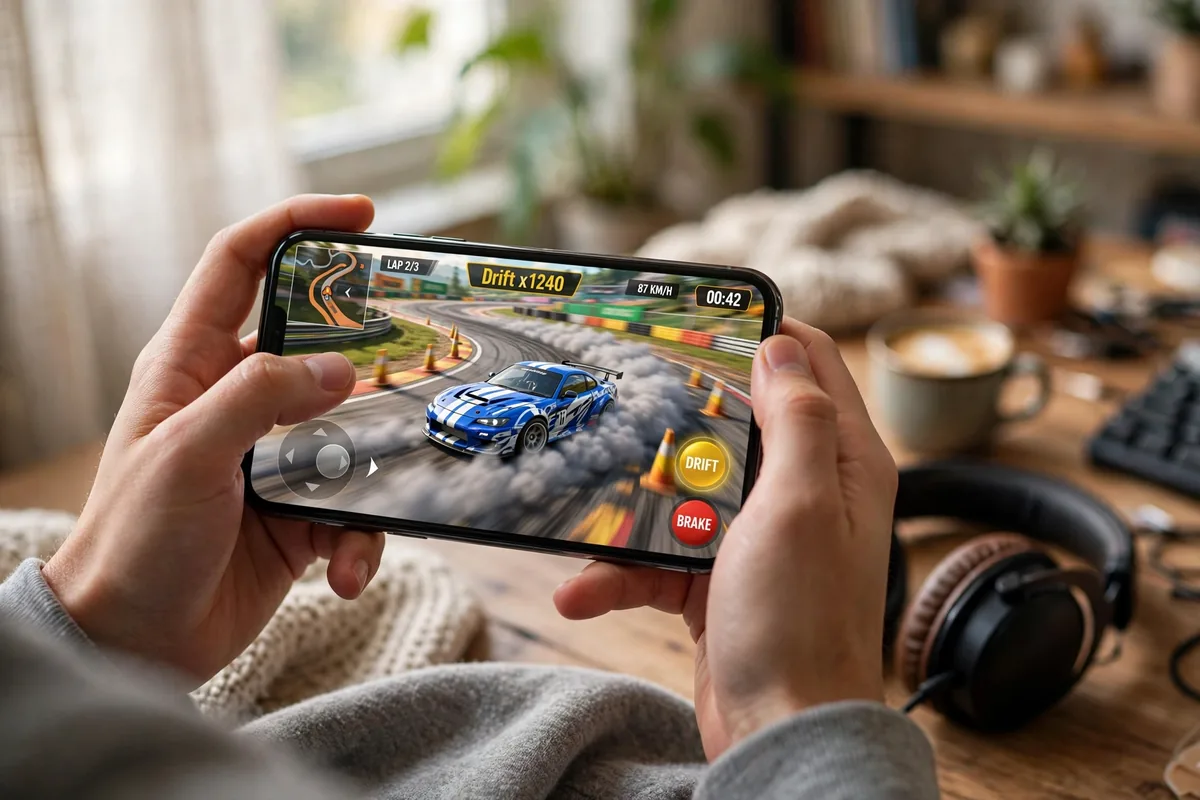
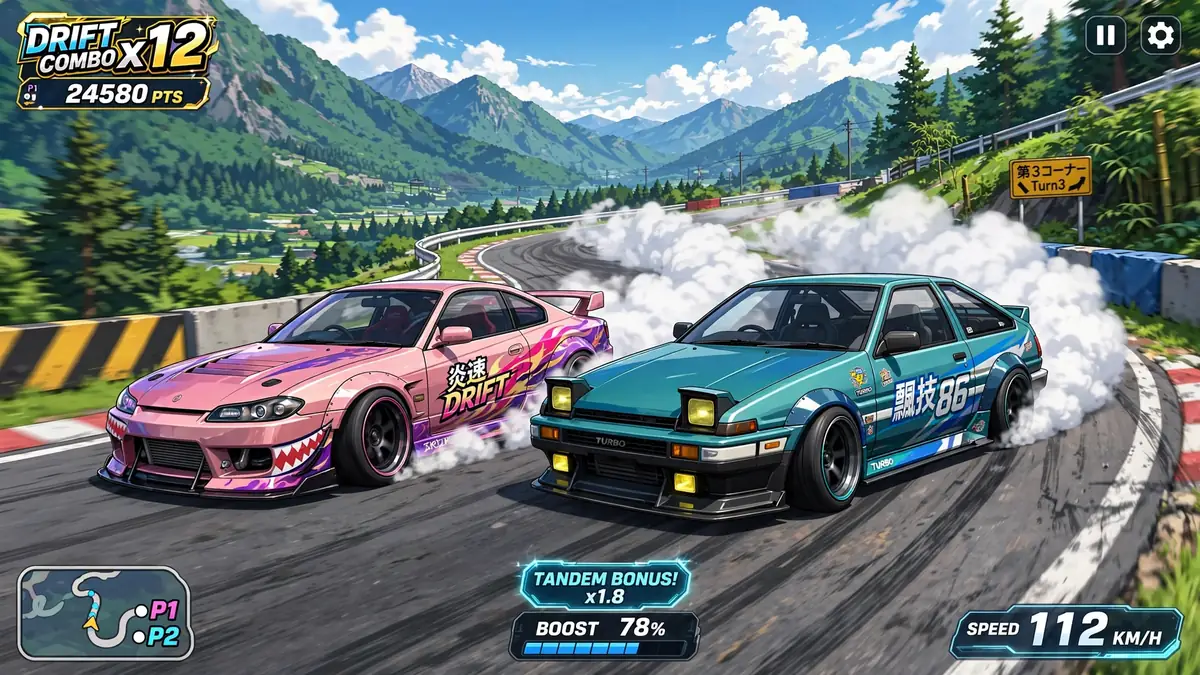
Yes, and it is the full game. FR Legends has been on the App Store since 2018, published by Twin Turbo Tech, the same developer behind the Android version. You get the same cars, the same tracks, the same drift physics, and the same deep tuning and livery editor.
What changes is only the route onto your phone. On Android, players install an APK file. On iPhone, everything goes through the App Store, and updates arrive there too. The version numbers on iOS and Android do not always match, because the two stores approve updates separately. If you are moving over from an Android phone, the driving itself will feel familiar from the first run.
How Do You Download FR Legends on iOS?
The install takes about two minutes:
Open the App Store on your iPhone or iPad.
Search for FR Legends.
Look at the developer name under the app before you install. It should be Twin Turbo Tech. Copycat apps with similar icons exist, and this one check keeps you away from them.
Tap Get and confirm with Face ID, Touch ID, or your password.
Wait for the download to finish, then open the game and play.
That is the whole process. There is no file to move, no setting to unlock, and no account to create. The game is free and needs roughly 400 MB, so keep a little extra space free for updates and saved replays. If the App Store lists the game but offers no Get button, your system version is probably too old, and the compatibility section below explains what to check.
Is There an FR Legends Mod APK for iOS?
No, and this is the question this whole page exists to answer honestly. An APK file runs only on Android. An iPhone cannot install it, open it, or convert it, and no tool changes that.
So when a website puts an “FR Legends Mod APK for iOS” download button in front of you, one of three things is really happening. The button hands you an IPA file instead. Or the page walks you through surveys and fake installer apps that never deliver a game. Or the file is something else entirely, which is worse. None of these is a Mod APK, because that file does not exist for iOS.
What does exist is a modded IPA: the iOS game, edited by unofficial sources to unlock money and cars, then shared outside the App Store. It is a real thing, but it is a different file with a different install method and a different level of risk. The Mod APK itself is an Android file, and the version players actually use is on our FR Legends Mod APK download page. If you also have a computer, the Mod APK runs on PC through an emulator, explained in our FR Legends for PC guide.
What Is the Difference Between an IPA and an APK?
Think of them as the same idea in two different formats. An APK is the app package for Android. An IPA is the app package for iOS. Each one only works on its own system.
The real difference is what happens outside the official store. Android lets you install an APK from a file in a few taps. Apple blocks that route by design, so an IPA from outside the App Store has to be signed with a certificate and installed with a sideloading tool, usually connected to a computer. That extra signing step is where almost every iOS mod problem comes from.
| APK | IPA | |
|---|---|---|
| File format | Android app package | iOS app package |
| Works on | Android phones and tablets | iPhone and iPad |
| Normal install | Play Store or direct file install | App Store only |
| Modded versions | Common, install in minutes | Rare, need sideloading and re-signing |
Which iPhones and iPads Can Run FR Legends?
The official game is light, and any device that can install the current App Store version can run it well. Here is what the current listing asks for.
| Requirement | Detail |
|---|---|
| Device | iPhone, iPad, or iPod touch |
| System | iOS 15.6 or later for the current version |
| Price | Free, with optional in-app purchases |
| Size | About 400 MB |
| Developer | Twin Turbo Tech |
Two things worth knowing. Older devices that can no longer update iOS may still open the game if it was installed earlier, but they stop getting new versions, and online play can start rejecting an outdated build. And on iPad, the game is a proper universal app, so it fills the big screen instead of stretching a phone layout.
What Can Go Wrong on iOS, and How Do You Fix It?
Most iOS problems are install problems, not game problems. These are the ones players run into again and again.
The App Store Says Your Device Is Not Compatible
Your system version is below what the current game version needs. Open Settings, then General, then Software Update, and install the newest iOS your device supports. If your device cannot update any further, it cannot install the current version of the game.
You See an Untrusted Developer Warning
This only appears with apps installed outside the App Store. Open Settings, then General, then VPN and Device Management, tap the developer profile, and choose Trust. If there is no profile listed, the install never finished, and installing again is the fix.
A Sideloaded App Stops Opening After About a Week
Apps signed with a free Apple ID expire after seven days, and then they refuse to open. This is normal behavior, not a fault in the game. The fix is to sign and install the app again with the same tool. Apps that came from the App Store never expire like this.
The Game Opens, but It Crashes or Freezes
That is no longer an install problem, so treat it like one on any phone. Restart the device, free up storage space, and make sure the game is updated. If it keeps happening, the steps in our FR Legends crashing fix guide work the same way on iOS.
Is It Safe to Install FR Legends from Outside the App Store?
Honestly, it is the weaker option, and it helps to know why. A file from outside the App Store has passed no review, so nobody has checked what is inside it. Its certificate can be revoked by Apple at any time, and then the app stops opening until you install it again. A modified game also goes against the developer’s terms, so online play carries some risk for your account. And a lot of pages offering a modded IPA are simply ad funnels dressed up as downloads.
Our straight advice is this. On iPhone, install the App Store version. It is the same game, it updates itself, and your progress stays safe. The modded experience, with unlimited money and every car unlocked from the start, is an Android thing, and you will find it on our FR Legends Mod APK download page if you have an Android phone as well. If money is the reason you wanted a mod in the first place, our guide on how to get unlimited money in FR Legends also covers the fastest honest ways to earn inside the normal game.
Frequently Asked Questions
What version is FR Legends now?
FR Legends gets updates through the year, so the number keeps changing. Open the App Store listing to see the current version under the app name. iOS and Android builds do not always share the same number, because each store approves updates on its own schedule.
Do I need to jailbreak my iPhone to play FR Legends?
No. The official game installs from the App Store like any other app, with nothing to unlock. Modded versions install through sideloading tools, which also work without a jailbreak. Jailbreaking removes Apple security protections, so it is not worth doing for one game.
How do I install mods for FR Legends on iOS?
Mods on iOS come as modded IPA files, not APKs. You install them with a sideloading tool and a computer, signed with a free Apple ID that expires every seven days. Game updates can break a modded IPA, and your save can be at risk, so back up anything you care about first.
Why do so many sites offer an FR Legends Mod APK download for iOS?
Because thousands of players search for it every day. An APK cannot run on an iPhone, so those buttons lead to IPA files, old Android files, or fake checks that waste your time. Warning signs are countdown timers, survey walls, and downloads ending in .apk. If earning money faster is the real goal, our guide on how to get unlimited money in FR Legends covers the quickest honest ways inside the normal game.
Can I move my Android progress to my iPhone?
There is no built-in transfer between Android and iOS in FR Legends, so your cars and money stay on the old phone. Players who switch platforms almost always start a fresh garage on iOS.
Can I play FR Legends offline on iOS?
Yes, solo drifting, practice, and AI battles work offline. Online battles need a connection, exactly like the Android version.
Conclusion
FR Legends runs beautifully on iPhone and iPad, and the official version is free and takes two minutes to install. There is no Mod APK for iOS, because iPhones cannot run APK files, and modded IPA files trade safety and stability for unlocked content. Play the store version on iOS, keep the mod for Android, and enjoy the drifting.